
How to turn on a Shopify app embed (and check it’s working)
Many Shopify apps need their app embed switched on before they show on your store. Here’s where to find it, how to turn it on, and what to check if the app still doesn’t appear.

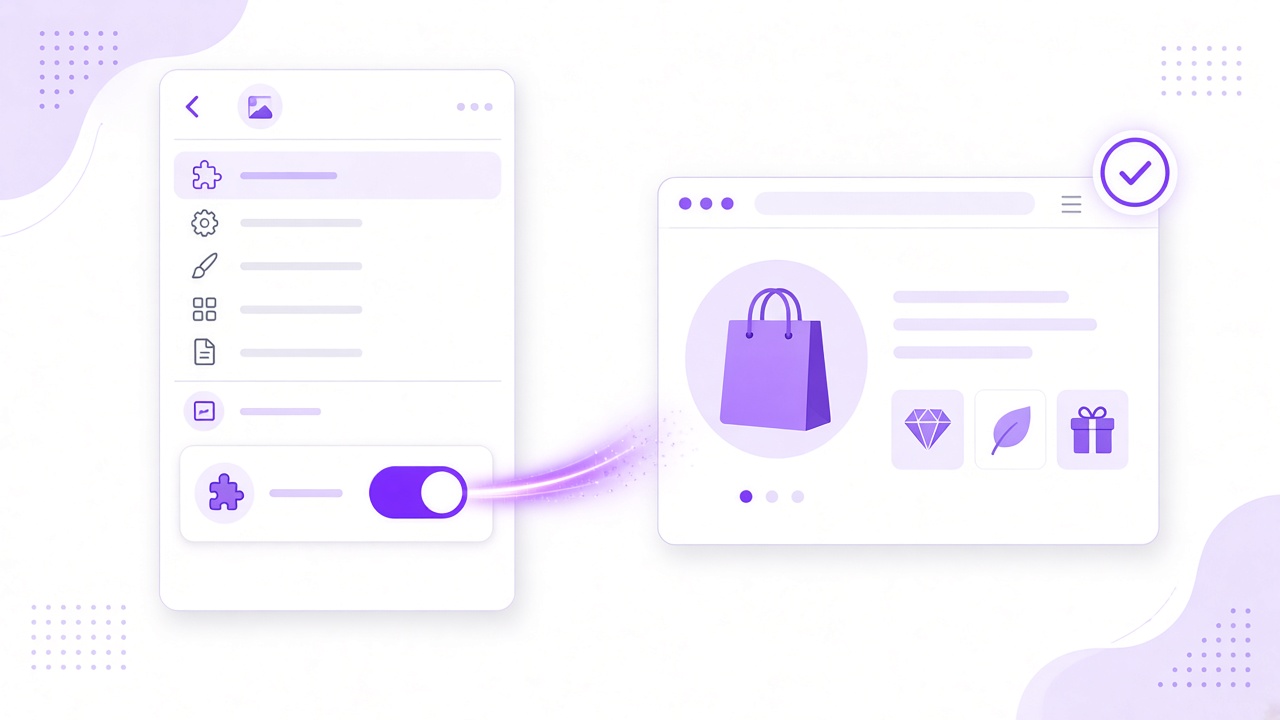
You’ve installed an app, but nothing has changed on your store. The most common reason is that its app embed is still switched off. App embeds let an app add features to your theme without you editing code, and they’re off until you turn them on.
Where do you find app embeds?
App embeds live in your theme editor:
In your Shopify admin, go to Online Store, then Themes.
Next to your live theme, click Customize.
In the left sidebar, open App embeds.
Find the app and switch its toggle on.
Click Save.
How do you check that it’s working?
- Open your store in a private browser window, so you see it as a shopper does.
- Go to a page where the app should appear, such as a product it applies to.
- Check on mobile as well as desktop.
Why isn’t the app showing?
What you see | Likely cause | What to do |
|---|---|---|
No change at all | The embed was turned on but not saved | Open the theme editor again, check the toggle and click Save |
Works in preview, not live | You edited a theme that isn’t published | Turn the embed on in your live theme |
Shows on some products only | The app’s own settings limit where it appears | Check the app’s rules for products, collections or customers |
Looks wrong or overlaps | A conflict with your theme or another app | Contact the app’s support with a link to the page |
Frequently asked questions
Do I need to edit code to use an app embed?
No. The toggle is all you need. If an app asks you to paste code, check its help pages for an app embed first.
What happens to the embed if I change themes?
App embeds are set per theme, so turn the app on again in your new theme before you publish it.
Conclusion
Turn the embed on, save, and check your store as a shopper would. If something still looks wrong, the table above covers the usual causes, and the app’s developers can help with the rest.
Related apps
Tools from this article
Request a Quote
Let shoppers ask for a price instead of leaving your store.
Hide prices and replace Add to cart with a Request a Quote button on the products you choose. Shoppers send their request through your own form, you agree a price, and the quote becomes a Shopify draft order.
 Coming soon
AI Fraud Block & Chargeback
Block bad buyers at checkout and turn chargebacks into protection.
Stop repeat fraudsters before they order. Block known bad buyers at checkout, flag risky orders for review, and automatically add chargeback customers to your blocklist.